Data Ingestion & Knowledge Sources
✅ File Format Support – PDF, JSON, Markdown, Word, plain text auto-chunked and embedded. [Pinecone Learn] ✅ Automatic Processing – Chunks, embeds, stores uploads in Pinecone index for fast search.✅ Metadata Filtering – Add tags to files for smarter retrieval results. [Metadata] ⚠️ No Native Connectors – No web crawler or Drive connector; push files via API/SDK.✅ Enterprise Scale – Billions of embeddings; preview tier supports 10K files or 10GB per assistant.
Knowledge Base (KB) – RAG-powered retrieval: PDF, Word, CSV, plain text uploadsWebsite crawling – Sitemap ingestion, auto-sync Google Drive, Notion, Confluence, Zendesk (Pro+)✅ No explicit document limits, scales by storage tier
⚠️ Accuracy concerns – Reviews cite KB "often inaccurate" and "too general"
1,400+ file formats – PDF, DOCX, Excel, PowerPoint, Markdown, HTML + auto-extraction from ZIP/RAR/7Z archivesWebsite crawling – Sitemap indexing with configurable depth for help docs, FAQs, and public contentMultimedia transcription – AI Vision, OCR, YouTube/Vimeo/podcast speech-to-text built-inCloud integrations – Google Drive, SharePoint, OneDrive, Dropbox, Notion with auto-syncKnowledge platforms – Zendesk, Freshdesk, HubSpot, Confluence, Shopify connectorsMassive scale – 60M words (Standard) / 300M words (Premium) per bot with no performance degradation
⚠️ Backend Service Only – No built-in chat widget or turnkey Slack/Teams integration.Developer-Built Front-Ends – Teams craft custom UIs or integrate via code/Pipedream.REST API Integration – Embed anywhere by hitting endpoints; no one-click Zapier connector.✅ Full Flexibility – Drop into any environment with your own UI and logic.
15+ native integrations – Zendesk, Salesforce, HubSpot, Intercom, Slack, Teams, FreshdeskMessaging & voice – WhatsApp, SMS, Alexa, Google Assistant, custom telephonyE-commerce – Shopify, Stripe, Zapier, Make.com (5000+ apps), Calendly✅ Custom integrations via unlimited HTTP API blocks, webhooks, iOS/Android SDKs
Website embedding – Lightweight JS widget or iframe with customizable positioningCMS plugins – WordPress, WIX, Webflow, Framer, SquareSpace native support5,000+ app ecosystem – Zapier connects CRMs, marketing, e-commerce toolsMCP Server – Integrate with Claude Desktop, Cursor, ChatGPT, WindsurfOpenAI SDK compatible – Drop-in replacement for OpenAI API endpointsLiveChat + Slack – Native chat widgets with human handoff capabilities
Multi-Turn Q&A – GPT-4 or Claude; stateless conversation requires passing prior messages yourself.⚠️ No Business Extras – No lead capture, handoff, or chat logs; add in app layer.✅ Context-Grounded Answers – Returns cited responses tied to your documents reducing hallucinations.Core Focus – Rock-solid retrieval plus response; business features in your codebase.
Visual workflow canvas – 50+ drag-and-drop blocks (text, cards, buttons, forms, APIs)Multi-turn conversations – Context preservation across sessions with full transcript loggingAgent handoff – Multi-agent routing, human handoff with context transfer100+ languages – Intent recognition, entity extraction, slot filling via NLU✅ Analytics dashboard: sessions, users, completion rates, drop-offs, A/B testing
✅ #1 accuracy – Median 5/5 in independent benchmarks, 10% lower hallucination than OpenAI✅ Source citations – Every response includes clickable links to original documents✅ 93% resolution rate – Handles queries autonomously, reducing human workload✅ 92 languages – Native multilingual support without per-language config✅ Lead capture – Built-in email collection, custom forms, real-time notifications✅ Human handoff – Escalation with full conversation context preserved
✅ 100% Your UI – No default interface; branding baked in by design, fully white-label.No Pinecone Badge – Zero branding to hide; complete control over look and feel.Domain Control – Gating and embed rules handled in code via API keys/auth.✅ Unlimited Freedom – Pinecone ships zero CSS; style however you want.
Visual widget editor – Custom colors, logos, fonts, button styles, bubble positioningWhite-labeling – Remove branding (Team+), custom domains (Pro+), CSS injection✅ Dynamic personalization via user attributes, multi-channel customization, configurable tone/prompts
Full white-labeling included – Colors, logos, CSS, custom domains at no extra cost2-minute setup – No-code wizard with drag-and-drop interfacePersona customization – Control AI personality, tone, response style via pre-promptsVisual theme editor – Real-time preview of branding changesDomain allowlisting – Restrict embedding to approved sites only
✅ GPT-4 & Claude 3.5 – Pick model per query; supports GPT-4o, GPT-4, Claude Sonnet. [Blog] ⚠️ Manual Model Selection – No auto-routing; explicitly choose GPT-4 or Claude each request.Limited Options – GPT-3.5 not in preview; more LLMs coming soon on roadmap.Standard Vector Search – No proprietary rerank layer; raw LLM handles final answer generation.
Multi-model support – GPT-4, GPT-3.5, Claude, Gemini per agent/step configurationFunction calling – GPT-4/Claude support with custom model API integrationPrompt controls – System prompts, few-shot examples, temperature/token controls per request✅ Cost optimization via model routing, RAG auto-augments LLM prompts
GPT-5.1 models – Latest thinking models (Optimal & Smart variants)GPT-4 series – GPT-4, GPT-4 Turbo, GPT-4o availableClaude 4.5 – Anthropic's Opus available for EnterpriseAuto model routing – Balances cost/performance automaticallyZero API key management – All models managed behind the scenes
Developer Experience ( A P I & S D Ks)
✅ Rich SDK Support – Python, Node.js SDKs plus clean REST API. [SDK Support] Comprehensive Endpoints – Create/delete assistants, upload/list files, run chat/retrieval queries.✅ OpenAI-Compatible API – Simplifies migration from OpenAI Assistants to Pinecone Assistant.Documentation – Reference architectures and copy-paste examples for typical RAG flows.
REST API & SDKs – JavaScript/TypeScript, Python, GraphQL API for queriesAPI capabilities – Send messages, manage state, retrieve transcripts, update KBCustom code blocks – JavaScript execution within workflows, rate limits 10K/hour (Pro)✅ Comprehensive docs, 15K+ community (Discord/Slack), Postman/OpenAPI specs
REST API – Full-featured for agents, projects, data ingestion, chat queriesPython SDK – Open-source customgpt-client with full API coveragePostman collections – Pre-built requests for rapid prototypingWebhooks – Real-time event notifications for conversations and leadsOpenAI compatible – Use existing OpenAI SDK code with minimal changes
✅ Fast Retrieval – Pinecone vector DB delivers speed; GPT-4/Claude ensures quality answers.✅ Benchmarked Superior – 12% more accurate vs OpenAI Assistants via optimized retrieval. [Benchmark] Citations Reduce Hallucinations – Context plus citations tie answers to real data sources.Evaluation API – Score accuracy against gold-standard datasets for continuous improvement.
Response times – 200-500ms simple, 1-2s complex; 99.9% SLA (Enterprise)Accuracy claims – GoStudent case: 98% accuracy on 100K conversationsHallucination prevention – RAG grounding, confidence thresholds, source citations⚠️ KB accuracy concerns – Reviews cite "often inaccurate", manual preprocessing required
Sub-second responses – Optimized RAG with vector search and multi-layer cachingBenchmark-proven – 13% higher accuracy, 34% faster than OpenAI Assistants APIAnti-hallucination tech – Responses grounded only in your provided contentOpenGraph citations – Rich visual cards with titles, descriptions, images99.9% uptime – Auto-scaling infrastructure handles traffic spikes
Customization & Flexibility ( Behavior & Knowledge)
Custom System Prompts – Add persona control per call; persistent UI not in preview yet.✅ Real-Time Updates – Add, update, delete files anytime; changes reflect immediately in answers.Metadata Filtering – Narrow retrieval by tags/attributes at query time for smarter results.⚠️ Stateless Design – Long-term memory or multi-agent logic lives in your app code.
Real-time updates – Workflow changes deploy instantly, no rebuild requiredVersion control – Git-style versioning, rollback, Dev/Staging/Prod environments (Team+)Component reusability – Save sections, 100+ templates, dynamic KB syncing✅ Task-specific flows, multi-language routing, user segmentation by custom attributes
Live content updates – Add/remove content with automatic re-indexingSystem prompts – Shape agent behavior and voice through instructionsMulti-agent support – Different bots for different teamsSmart defaults – No ML expertise required for custom behavior
Usage-Based Model – Free Starter, then pay for storage/tokens/assistant fee. [Pricing] Sample Costs – ~$3/GB-month storage, $8/M input tokens, $15/M output tokens, $0.20/day per assistant.✅ Linear Scaling – Costs scale with usage; ideal for growing applications over time.Enterprise Tier – Higher concurrency, multi-region, volume discounts, custom SLAs.
Sandbox (Free) – 2 agents, unlimited interactions, 3 collaboratorsPro: $50/month – 10 agents, unlimited interactions, 10 collaboratorsTeam: $625/month – 50 agents, 25 collaborators, API, version control, RBACEnterprise: Custom – Unlimited agents, SSO, SOC 2, SLA, dedicated support⚠️ Pricing complexity – Per-seat ($15-25) + per-agent ($20-50) charges escalate quickly
Standard: $99/mo – 60M words, 10 botsPremium: $449/mo – 300M words, 100 botsAuto-scaling – Managed cloud scales with demandFlat rates – No per-query charges
✅ Data Isolation – Files encrypted and siloed; never used to train models. [Privacy] ✅ SOC 2 Type II – Compliant with strong encryption and optional dedicated VPC.Full Content Control – Delete or replace content anytime; control what assistant remembers.Enterprise Options – SSO, advanced roles, custom hosting for strict compliance requirements.
SOC 2 Type II certified – GDPR compliant, HIPAA ready (Enterprise)Encryption – AES-256 at rest, TLS 1.3 in transit, zero-retention policySSO/SAML – Okta/Azure AD, RBAC (Team+), audit logs (Enterprise)✅ On-premise deployment, EU data residency, DPA, IP whitelisting, key rotation
SOC 2 Type II + GDPR – Third-party audited complianceEncryption – 256-bit AES at rest, SSL/TLS in transitAccess controls – RBAC, 2FA, SSO, domain allowlistingData isolation – Never trains on your data
Observability & Monitoring
Dashboard Metrics – Shows token usage, storage, concurrency; no built-in convo analytics. [Token Usage] Evaluation API – Track accuracy over time against gold-standard benchmarks.⚠️ Manual Chat Logs – Dev teams handle chat-log storage if transcripts needed.External Integration – Easy to pipe metrics into Datadog, Splunk via API logs.
Analytics dashboard – Sessions, users, messages, completion rates, drop-off visualizationConversation funnels – Journey mapping with full transcript viewerError tracking – Monitor API failures, timeouts, unhandled intents real-time✅ User feedback (thumbs/CSAT/NPS), CSV/JSON export, Datadog/New Relic webhooks
Real-time dashboard – Query volumes, token usage, response timesCustomer Intelligence – User behavior patterns, popular queries, knowledge gapsConversation analytics – Full transcripts, resolution rates, common questionsExport capabilities – API export to BI tools and data warehouses
✅ Lively Community – Forums, Slack/Discord, Stack Overflow tags with active developers.Extensive Documentation – Quickstarts, RAG best practices, and comprehensive API reference.Support Tiers – Email/priority support for paid; Enterprise adds custom SLAs and engineers.Framework Integration – Smooth integration with LangChain, LlamaIndex, open-source RAG frameworks.
Founded 2017 – $28M funding (Felicis, OpenAI Startup Fund, Tiger Global)200K+ teams – Mercedes-Benz, JP Morgan, Shopify; 15K+ developer communitySupport tiers – Community (Free), priority email (Pro), chat (Team), 24/7 CSM (Enterprise)✅ 100+ templates, Academy certifications, comprehensive docs, partner program
Comprehensive docs – Tutorials, cookbooks, API referencesEmail + in-app support – Under 24hr response timePremium support – Dedicated account managers for Premium/EnterpriseOpen-source SDK – Python SDK, Postman, GitHub examples5,000+ Zapier apps – CRMs, e-commerce, marketing integrations
Additional Considerations
⚠️ Developer Platform Only – Super flexible but no off-the-shelf UI or business extras.✅ Pinecone Vector DB – Built on blazing vector database for massive data/high concurrency.Evaluation Tools – Iterate quickly on retrieval and prompt strategies with built-in testing.Custom Business Logic – No-code tools, multi-agent flows, lead capture require custom development.
Workflow-first platform – Excels complex workflows, KB accuracy lags RAG specialistsBest use case – Multi-step API orchestration, team collaboration; NOT document Q&A⚠️ Steep learning curve – Weeks onboarding despite visual interface
⚠️ Visual canvas overwhelm – Complex agents (100+ blocks) difficult to manage
⚠️ Pricing escalation – Per-seat/agent fees escalate beyond base costs quickly
⚠️ SOC 2 Enterprise-only – No SLA guarantees on lower tiers
Time-to-value – 2-minute deployment vs weeks with DIYAlways current – Auto-updates to latest GPT modelsProven scale – 6,000+ organizations, millions of queriesMulti-LLM – OpenAI + Claude reduces vendor lock-in
No- Code Interface & Usability
⚠️ Developer-Centric – No no-code editor or widget; console for quick uploads/tests only.Code Required – Must code front-end and call Pinecone API for branded chatbot.No Admin UI – No role-based admin for non-tech staff; build your own if needed.Perfect for Dev Teams – Not plug-and-play for non-coders; requires development resources.
Visual canvas builder – Drag-and-drop 50+ blocks, 80% no-code coverageCollaboration – 10+ simultaneous editors, real-time cursor tracking, commentsTesting tools – Built-in chat simulator, one-click channel deployment✅ Ease of use 8.7/10 (G2), 100+ templates, Academy certifications
2-minute deployment – Fastest time-to-value in the industryWizard interface – Step-by-step with visual previewsDrag-and-drop – Upload files, paste URLs, connect cloud storageIn-browser testing – Test before deploying to productionZero learning curve – Productive on day one
Market Position – Developer-focused RAG backend on top-ranked vector database (billions of embeddings).Target Customers – Dev teams building custom RAG apps requiring massive scale and concurrency.Key Competitors – OpenAI Assistants API, Weaviate, Milvus, CustomGPT, Vectara, DIY solutions.✅ Competitive Advantages – Proven infrastructure, auto chunking/embedding, OpenAI-compatible API, GPT-4/Claude choice, SOC 2.Best Value For – High-volume apps needing enterprise vector search without managing infrastructure.
Market position – Workflow-first platform (founded 2017, $28M funding) for orchestrationTarget customers – Enterprise teams (200K+ users: Mercedes-Benz, JP Morgan) needing multi-agent workflowsKey competitors – Botpress, Rasa, Microsoft Power Virtual Agents, NOT RAG toolsCompetitive advantages – 50+ blocks, 10+ real-time collab, 15+ integrations, SOC 2/GDPR/HIPAA✅ Free Sandbox, Pro $50/month reasonable for startups, best for workflows
⚠️ Use case fit – Ideal complex workflows, NOT simple document Q&A
Market position – Leading RAG platform balancing enterprise accuracy with no-code usability. Trusted by 6,000+ orgs including Adobe, MIT, Dropbox.Key differentiators – #1 benchmarked accuracy • 1,400+ formats • Full white-labeling included • Flat-rate pricingvs OpenAI – 10% lower hallucination, 13% higher accuracy, 34% fastervs Botsonic/Chatbase – More file formats, source citations, no hidden costsvs LangChain – Production-ready in 2 min vs weeks of development
✅ GPT-4 Support – GPT-4o and GPT-4 from OpenAI for top-tier quality.✅ Claude 3.5 Sonnet – Anthropic's safety-focused model available for all queries.⚠️ Manual Model Selection – Explicitly choose model per request; no auto-routing based on complexity.Roadmap Expansion – More LLM providers coming; GPT-3.5 not in current preview.
Multi-model support – GPT-4, GPT-3.5, Claude, Gemini per agent/step selectionFunction calling – GPT-4/Claude real-time action triggering during conversationsCustom model integration – Proprietary LLM API support, temperature/token controls (0.0-2.0)✅ Cost optimization routing: GPT-3.5 simple, GPT-4 complex queries
OpenAI – GPT-5.1 (Optimal/Smart), GPT-4 seriesAnthropic – Claude 4.5 Opus/Sonnet (Enterprise)Auto-routing – Intelligent model selection for cost/performanceManaged – No API keys or fine-tuning required
✅ Automatic Chunking – Document segmentation and vector generation automatic; no manual preprocessing.✅ Pinecone Vector DB – High-speed database supporting billions of embeddings at enterprise scale.✅ Metadata Filtering – Smart retrieval using tags/attributes for narrowing results at query time.✅ Citations Reduce Hallucinations – Responses include source citations tying answers to real documents.Evaluation API – Score accuracy against gold-standard datasets for continuous quality improvement.
Knowledge Base – RAG vector search, semantic matching (PDF, Word, CSV, text)Website crawling – Sitemap ingestion, auto-sync Google Drive, Notion, Confluence, ZendeskMulti-turn context – Conversation preservation across sessions for coherent dialogues⚠️ Accuracy concerns – Reviews cite KB "often inaccurate", "too general"
⚠️ No RAG controls – Cannot configure chunking, embeddings, similarity thresholds
GPT-4 + RAG – Outperforms OpenAI in independent benchmarksAnti-hallucination – Responses grounded in your content onlyAutomatic citations – Clickable source links in every responseSub-second latency – Optimized vector search and cachingScale to 300M words – No performance degradation at scale
Financial & Legal – Compliance assistants, portfolio analysis, case law research, contract analysis at scale.Technical Support – Documentation search for resolving issues with accurate, cited technical answers.Enterprise Knowledge – Self-serve knowledge bases for teams searching corporate documentation internally.Shopping Assistants – Help customers navigate product catalogs with semantic search capabilities.⚠️ NOT SUITABLE FOR – Non-technical teams wanting turnkey chatbot with UI; developer-centric only.
Complex workflows – API orchestration, multi-agent coordination, sophisticated logicTeam collaboration – 10+ simultaneous editors with real-time tracking/commentsVoice assistants – Alexa, Google Assistant, custom telephony conversational AICustomer service – 15+ integrations (Zendesk, Salesforce, HubSpot, Intercom) automationE-commerce – Shopify orders, product recommendations, lead gen with Calendly/CRM⚠️ NOT ideal for – Simple document Q&A (KB accuracy issues)
Customer support – 24/7 AI handling common queries with citationsInternal knowledge – HR policies, onboarding, technical docsSales enablement – Product info, lead qualification, educationDocumentation – Help centers, FAQs with auto-crawlingE-commerce – Product recommendations, order assistance
✅ SOC 2 Type II – Enterprise-grade security validation from independent third-party audits.✅ HIPAA Certified – Available for healthcare applications processing PHI with appropriate agreements.Data Encryption – Files encrypted and siloed; never used to train global models.Enterprise Features – Optional dedicated VPC, SSO, advanced roles, custom hosting for compliance.
SOC 2 Type II – GDPR compliant, HIPAA ready (Enterprise), EU data residencyEncryption – AES-256 at rest, TLS 1.3 in transit, zero-retentionSSO/SAML – Okta, Azure AD, OneLogin; RBAC (Team+), audit logs (Enterprise)✅ On-premise deployment for data sovereignty, DPA available
SOC 2 Type II + GDPR – Regular third-party audits, full EU compliance256-bit AES encryption – Data at rest; SSL/TLS in transitSSO + 2FA + RBAC – Enterprise access controls with role-based permissionsData isolation – Never trains on customer dataDomain allowlisting – Restrict chatbot to approved domains
Free Starter Tier – 1GB storage, 200K output tokens, 1.5M input tokens for evaluation/development.Standard Plan – $50/month minimum with pay-as-you-go beyond minimum usage credits included.Token & Storage Costs – ~$8/M input, ~$15/M output tokens, ~$3/GB-month storage, $0.20/day per assistant.✅ Linear Scaling – Costs scale with usage; Enterprise adds volume discounts and multi-region.
Sandbox (Free) – 2 agents, unlimited interactions, 3 collaboratorsPro: $50/month – 10 agents, unlimited interactions, 10 collaborators, GPT-4/ClaudeTeam: $625/month – 50 agents, 25 collaborators, API, version control, RBACEnterprise: Custom – Unlimited agents, SSO, SOC 2, HIPAA, SLA, on-premise⚠️ Per-seat charges – Additional editors $50/month (Pro), $15-25/month (Team)
Standard: $99/mo – 10 chatbots, 60M words, 5K items/botPremium: $449/mo – 100 chatbots, 300M words, 20K items/botEnterprise: Custom – SSO, dedicated support, custom SLAs7-day free trial – Full Standard access, no chargesFlat-rate pricing – No per-query charges, no hidden costs
✅ Comprehensive Docs – docs.pinecone.io with guides, API reference, and copy-paste RAG examples.Developer Community – Forums, Slack/Discord channels, and Stack Overflow tags for peer support.Python & Node SDKs – Feature-rich libraries with clean REST API fallback option.Enterprise Support – Email/priority support for paid tiers with custom SLAs for Enterprise.
Founded 2017 – $28M funding (Felicis, OpenAI Startup Fund, Tiger Global)200K+ teams – Mercedes-Benz, JP Morgan, Shopify; 15K+ developer communitySupport tiers – Community (Free), priority email (Pro), chat (Team), 24/7 CSM (Enterprise)✅ 100+ templates, comprehensive docs, Academy certifications, partner program
Documentation hub – Docs, tutorials, API referencesSupport channels – Email, in-app chat, dedicated managers (Premium+)Open-source – Python SDK, Postman, GitHub examplesCommunity – User community + 5,000 Zapier integrations
Limitations & Considerations
⚠️ Developer-Centric – No no-code editor or chat widget; requires coding for UI.⚠️ Stateless Architecture – Long-term memory, multi-agent flows, conversation state in app code.⚠️ Limited Models – GPT-4 and Claude 3.5 only; GPT-3.5 not in preview.File Restrictions – Scanned PDFs and OCR not supported; images in documents ignored.⚠️ NO Business Features – No lead capture, handoff, or chat logs; pure RAG backend.
⚠️ KB accuracy issues – Reviews cite "often inaccurate", not ideal document Q&A
⚠️ Workflow-first platform – Excels orchestration, lags specialized RAG platforms
⚠️ Steep learning curve – Weeks onboarding despite visual interface
⚠️ Pricing complexity – Per-seat/agent fees escalate beyond base costs
⚠️ Visual canvas overwhelm – Complex agents (100+ blocks) difficult to manage
⚠️ SOC 2 Enterprise-only – No SLA guarantees on Pro/Team tiers
Managed service – Less control over RAG pipeline vs build-your-ownModel selection – OpenAI + Anthropic only; no Cohere, AI21, open-sourceReal-time data – Requires re-indexing; not ideal for live inventory/pricesEnterprise features – Custom SSO only on Enterprise plan
✅ Context API – Delivers structured context with relevancy scores for agentic systems requiring verification.✅ MCP Server Integration – Every Assistant is MCP server; connect as context tool since Nov 2024.Custom Instructions – Metadata filters restrict vector search; instructions tailor responses with directives.Retrieval-Only Mode – Use purely for context retrieval; agents gather info then process with logic.⚠️ Agent Limitations – Stateless design; orchestration logic, multi-agent coordination in application layer.
Agent step (2024) – Autonomous AI with tool use, decision-making, KB accessMulti-agent orchestration – Supervisor pattern connecting specialized agents for conversation aspectsHybrid architecture – Hard business logic + Agent networks for flexibilityHuman handoff – Smooth transitions with full history transfer to support/salesLead capture & CRM – Auto-create in HubSpot/Salesforce/Pipedrive, update deal stages
Custom AI Agents – Autonomous GPT-4/Claude agents for business tasksMulti-Agent Systems – Specialized agents for support, sales, knowledgeMemory & Context – Persistent conversation history across sessionsTool Integration – Webhooks + 5,000 Zapier apps for automationContinuous Learning – Auto re-indexing without manual retraining
R A G-as-a- Service Assessment
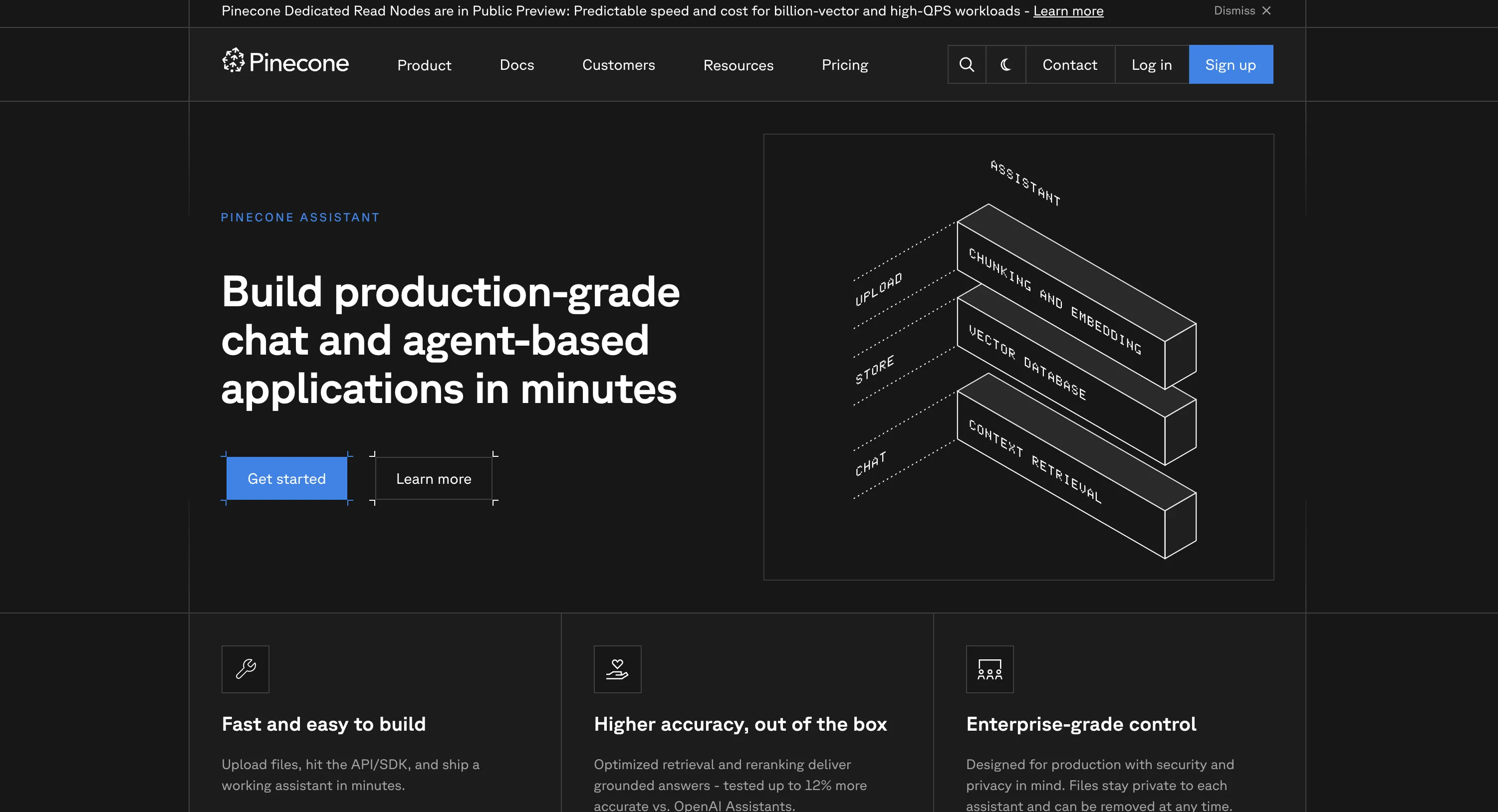
✅ TRUE RAG-AS-A-SERVICE – Managed backend API abstracting chunking, embedding, storage, retrieval, reranking, generation.API-First Service – Pure backend with Python/Node SDKs; developers build custom front-ends on top.✅ Pinecone Vector DB Foundation – Built on proven database supporting billions of embeddings at enterprise scale.OpenAI-Compatible – Simplifies migration from OpenAI Assistants to Pinecone Assistant seamlessly.⚠️ Key Difference – No no-code UI/widgets vs full-stack platforms (CustomGPT) with embeddable chat.
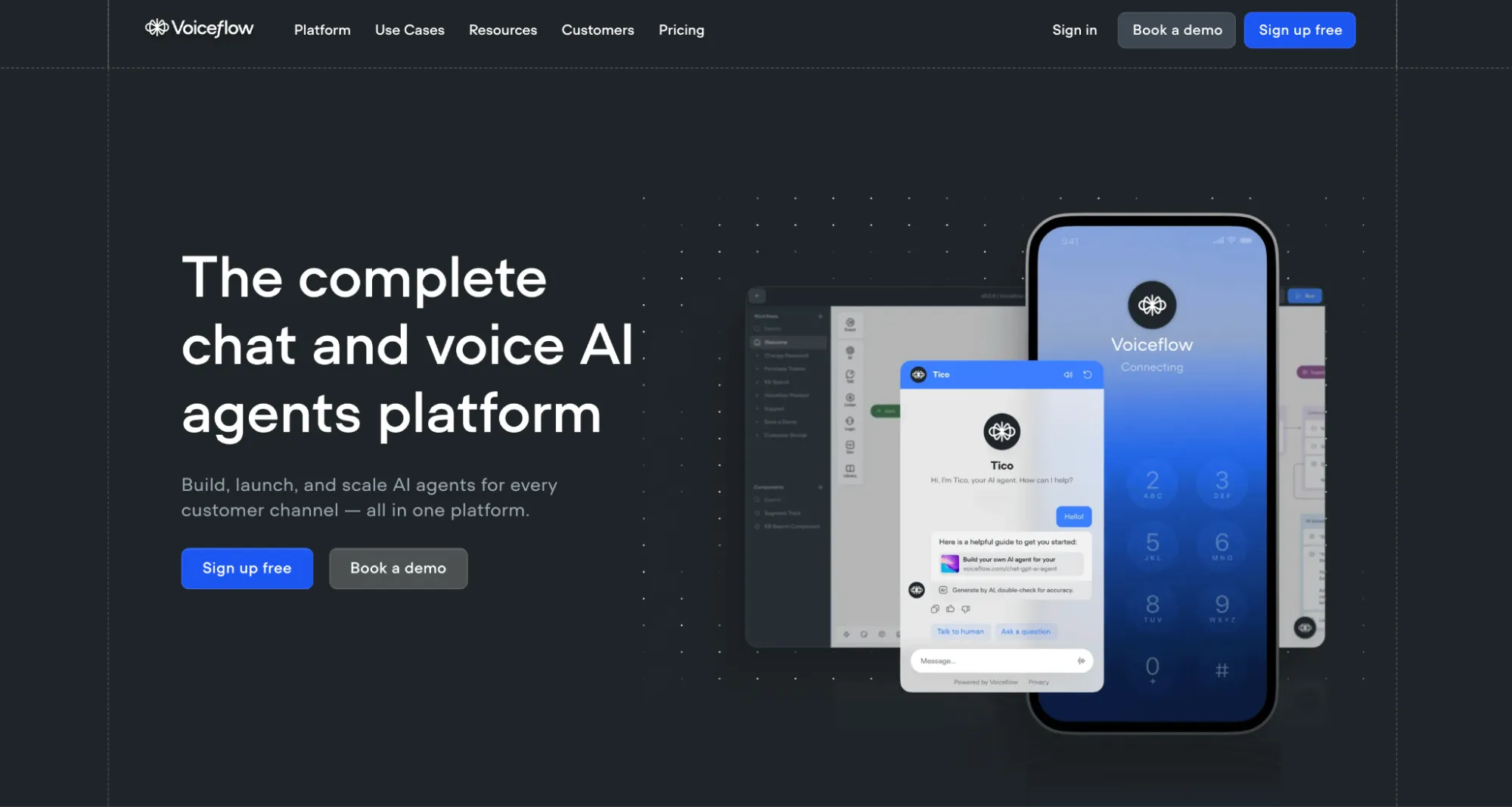
Platform Type – WORKFLOW-FIRST with RAG capabilities, NOT pure RAG-as-a-ServiceCore Architecture – Visual canvas (50+ blocks) combining intent-based + RAG hybridRAG Integration – KB with vector search (Qdrant) + GPT-4, secondary to workflowsDeveloper Experience – REST API, JS/Python SDKs, custom code blocks, GraphQL⚠️ RAG Limitations – KB "often inaccurate", no RAG parameter configuration, manual preprocessing
Platform type – TRUE RAG-AS-A-SERVICE with managed infrastructureAPI-first – REST API, Python SDK, OpenAI compatibility, MCP ServerNo-code option – 2-minute wizard deployment for non-developersHybrid positioning – Serves both dev teams (APIs) and business users (no-code)Enterprise ready – SOC 2 Type II, GDPR, WCAG 2.0, flat-rate pricing










Join the Discussion
Loading comments...